ClockHub
BlogWidgetContact

Beautiful Flip Clock Chrome Extension

A beautiful flip clock that floats on any webpage. Drag it anywhere, customize colors and themes, and keep track of time in style.

Install Now

Powerful Features, Elegant Experience

Smooth, beautiful, and practical — designed for modern browsers

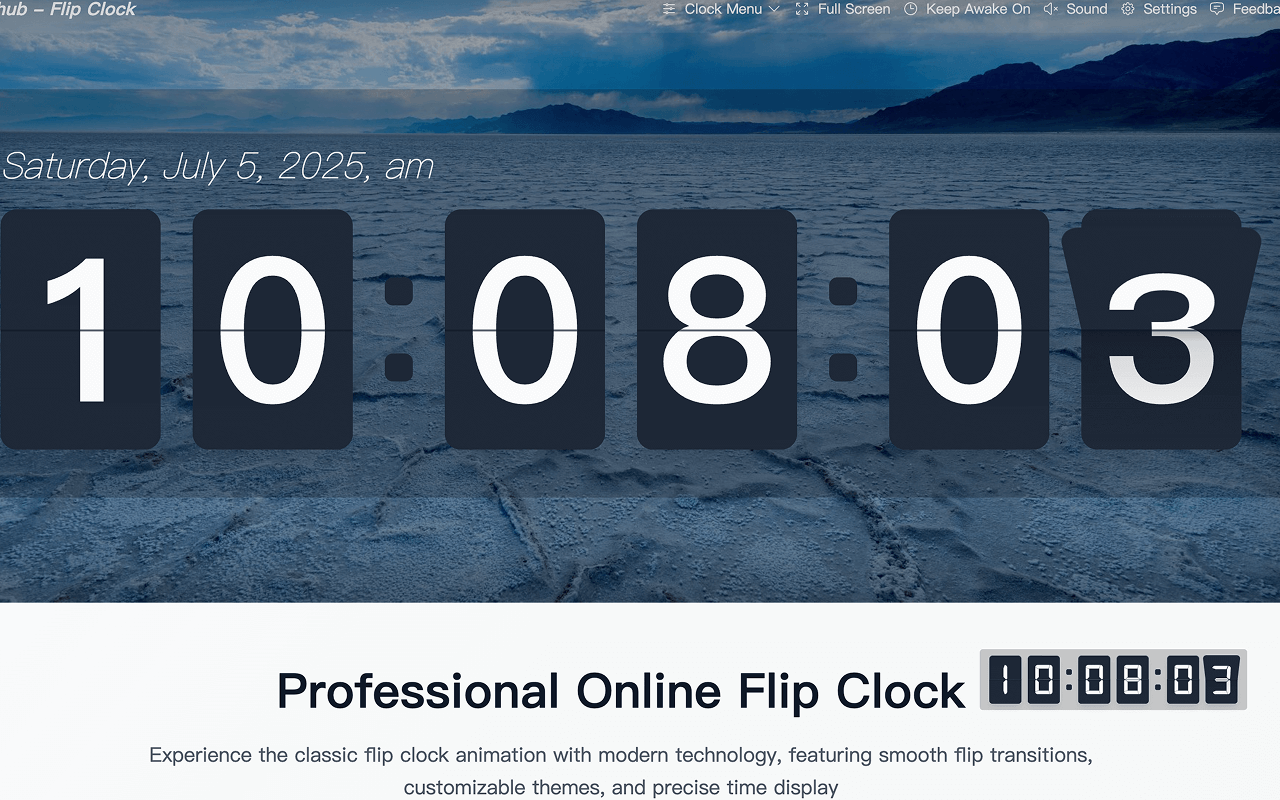
Beautiful Flip Clock

A sleek flip clock with smooth animations that looks great on any webpage.

Drag & Drop Positioning

Drag the clock anywhere on the page. Your preferred position is saved and restored on every visit.

Personalized Settings

Choose from multiple themes, custom colors, fonts, sizes, and 12/24-hour format.

Lightweight & Efficient

Uses under 10MB of memory with 60fps animations — no impact on page performance.

Beautiful Interface Showcase

A modern design that blends seamlessly into any webpage

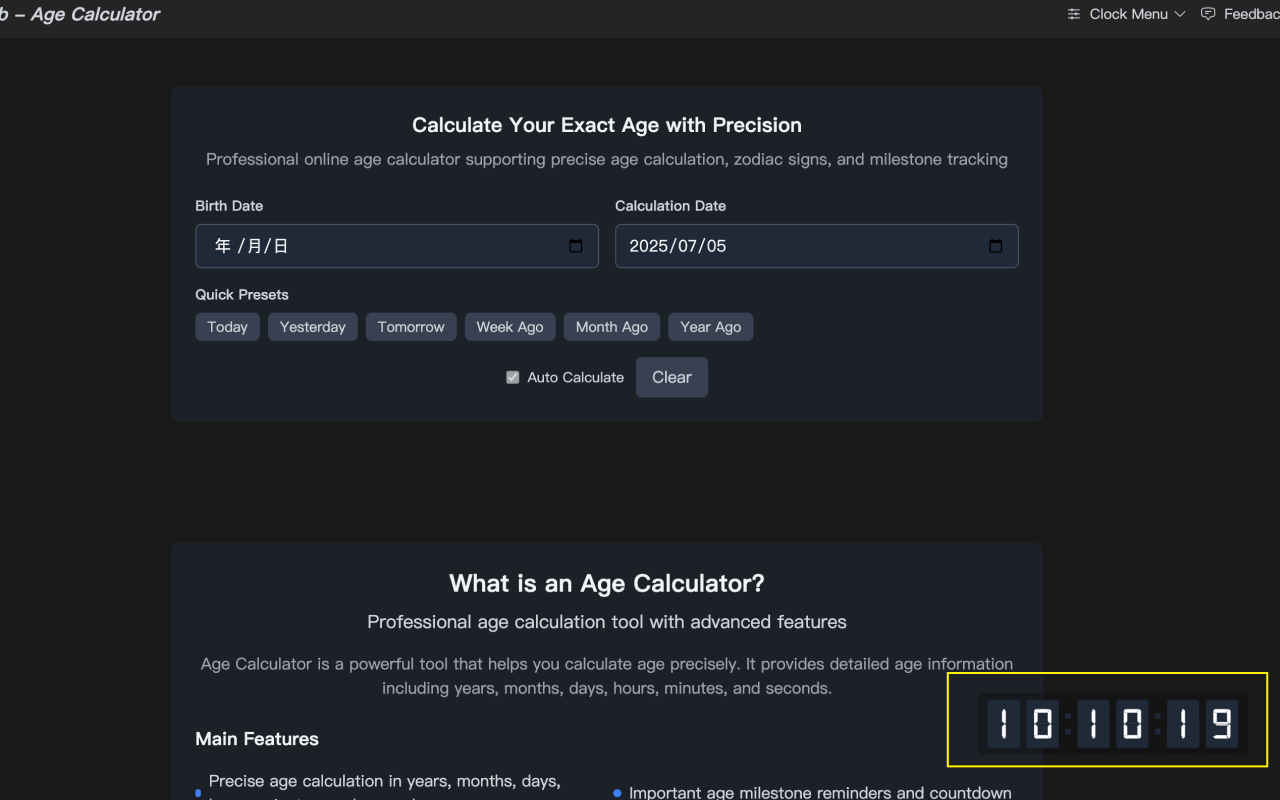
Elegant Time Display

Elegant Time Display

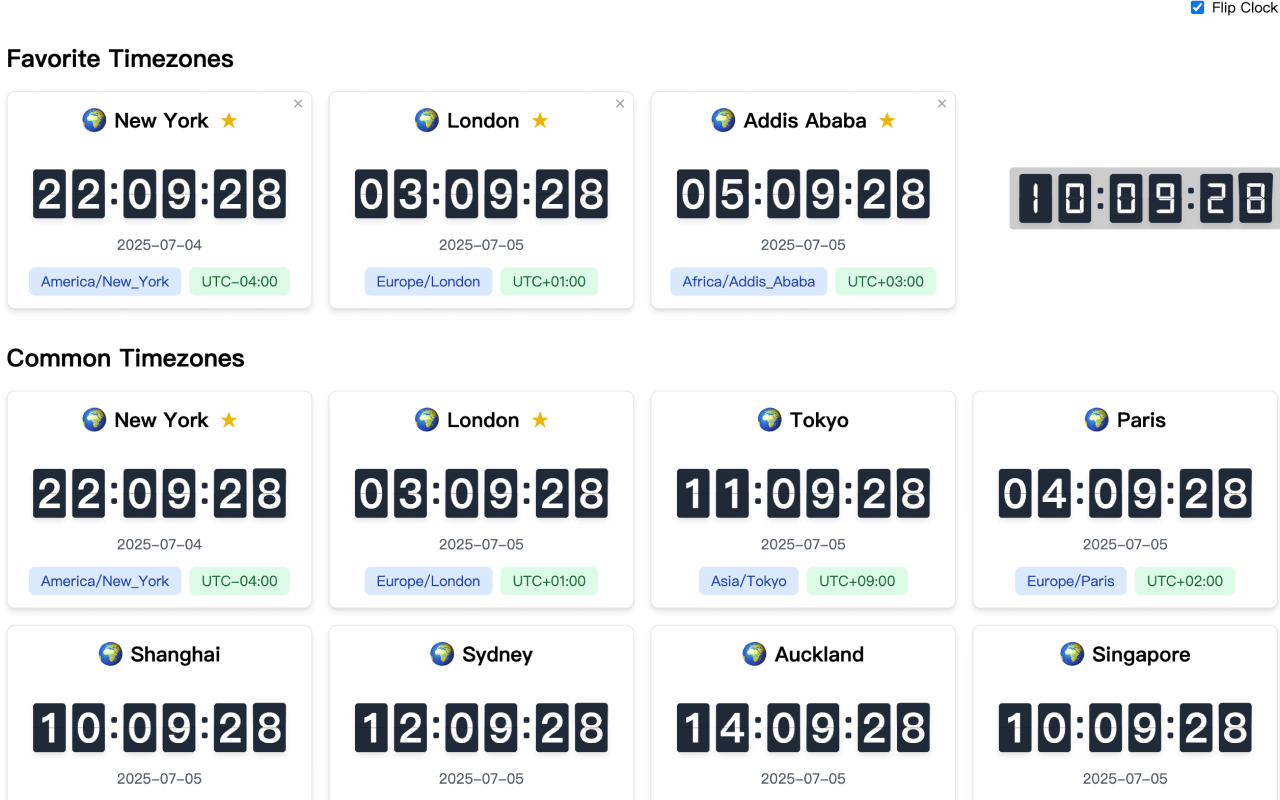
Rich Settings Options

Rich Settings Options

Flexible Drag Positioning

Flexible Drag Positioning

Get Started in 3 Easy Steps

1

Click Install

Click "Add to Chrome" in Chrome Web Store

2

Confirm Installation

Confirm extension installation in the popup dialog

3

Start Using

Visit any webpage and enjoy the beautiful flip clock

Install Extension Now

Detailed Feature Description

Everything you need to know about the extension

🎨 Beautiful Design

  • Modern flip clock design with smooth animation effects
  • Semi-transparent background that blends into any webpage
  • Multiple preset themes for different styles

🎯 Smart Positioning

  • Drag and drop to reposition — simple and intuitive
  • Position is saved automatically and restored on every visit
  • Boundary detection prevents the clock from going off-screen

⚙️ Personalized Settings

  • Switch between 12-hour and 24-hour formats
  • Customize colors, fonts, and sizes
  • Keyboard shortcut to show or hide the clock

🚀 Performance Optimization

  • Under 10MB memory footprint
  • 60fps animations with zero impact on page performance
  • Instant response with a smooth user experience

Experience Beautiful Flip Clock Now

Install from the Chrome Web Store and start using it right away

Go to Chrome Web Store

A clock that sits on top of the page you are already reading

Most clock tools want a tab of their own. This one does not. It draws a small flip clock over whatever page you have open, so the time stays visible without spending screen space or switching tabs.

How it sits on a page

The extension runs as a content script. It adds one fixed-position element to the page and leaves the rest of the document alone: nothing is rewritten, nothing is reflowed, and hiding the clock restores the page exactly as it was.

Because the clock is positioned independently of the page layout, it stays where you put it even on sites with their own sticky headers or horizontal scrolling. The trade-off runs the other way too — the clock cannot reflow around content, so on a narrow window it may cover something. Drag it elsewhere, or hide it for the moment.

Where it will not appear

A few surfaces deliberately exclude extensions, and the clock cannot draw there: the browser’s own settings pages, the Web Store itself, and the built-in PDF viewer. If the clock is missing on one of those, that is the browser behaving as designed rather than a fault.

One more thing worth knowing: content scripts are injected when a page loads. Tabs that were already open before the install need a reload before the clock shows up in them.

Why the animation stays cheap

A flip animation can be expensive when every digit change forces a layout pass. Here the animated element is already out of the document flow, so a tick repaints a small rectangle instead of recalculating the whole page — which is what keeps the effect off the critical path of the site you are visiting.

The clock also does nothing while its tab is in the background. No polling, no background page refreshing state, no timers running against a page nobody is looking at.

Pausing it without losing your settings

Disabling the extension from the extensions page stops it loading on every site and keeps the stored position and theme. Uninstalling clears them. If you only want the clock gone from one particular site, hide it instead of disabling the whole thing.

Settings are held in the browser’s extension storage rather than on a server, so they survive restarts and a disabled-then-re-enabled extension.

The extension and the web version solve different problems

The flip clock and digital clock on this site are for screens where the clock is the point: a wall display, a spare monitor, a kiosk in a lobby. They take the whole viewport, go fullscreen and stay awake.

The extension is for screens where the clock is an accessory: the laptop you are working on, the page you are reading, the dashboard you are watching. Small, movable, quiet. Neither replaces the other, and both are free.

Frequently asked questions

Is the extension free?
Yes. There is no paid version, no in-app purchase and no account. The web clocks on this site are free as well.
Which browsers can run it?
Chrome, and other Chromium-based browsers that can install from the Chrome Web Store — Edge, Brave, Arc and Opera among them. Firefox and Safari use different extension formats and are not supported.
Why is the clock not showing on some pages?
Browser settings pages, the Web Store and the built-in PDF viewer block extensions by design. Tabs that were open before you installed also need a reload before the clock is injected.
Does it slow down the pages I visit?
The clock adds a single element that is outside the document flow and animates a transform rather than a layout property, so the cost per tick is small. It also stops doing anything when its tab is in the background.
Will it work offline?
Yes. The clock reads your device’s own time, so it keeps running without a connection. Only the install itself needs the Web Store.
How do I remove it?
Open the extensions page in your browser, find the clock and either disable it or remove it. Disabling keeps your saved position and theme; removing clears them.