Clockhub Logo
BlogContact

Aesthetic Clocks for Every Screen

  • 1
    0
    0
  • 0
    2
    2
  • 1
    0
    0
  • 0
    4
    4
  • 1
    0
    0
  • 0
    5
    5
  • 1
    0
    0
  • 0
    9
    9
  • 1
    0
    0
  • 0
    5
    5
  • 1
    0
    0
  • 0
    9
    9

Turn any display into a beautiful, aesthetic timepiece. Cool digital, flip and analog clock faces with real-time sync, fullscreen mode and custom themes — perfect for desks, classrooms, cafés and living rooms.

Clockhub Features

Beautiful clock styles and powerful time tools, all in one place

High Precision Time Sync

Syncs with time servers to millisecond accuracy so the displayed time is always exact.

Fullscreen Immersive Experience

Go fullscreen with one click for an immersive, distraction-free time display.

Multi-timezone Support

Display accurate local time for any timezone worldwide.

Latest articles

How time works — its history, its science, and how we live with it

All Features

One-stop time and date tools for all your needs

Time & Date Tools

Featured Clock Styles

Various beautiful clock styles to meet different scenarios and needs

Digital Clock

Digital Clock

Professional online digital clock with fullscreen display, multi-timezone settings, and sound effects. High-precision time synchronization perfect for conference rooms, classrooms, home and other scenarios.

Fullscreen DisplayMulti-timezoneSound Effects
Try Now
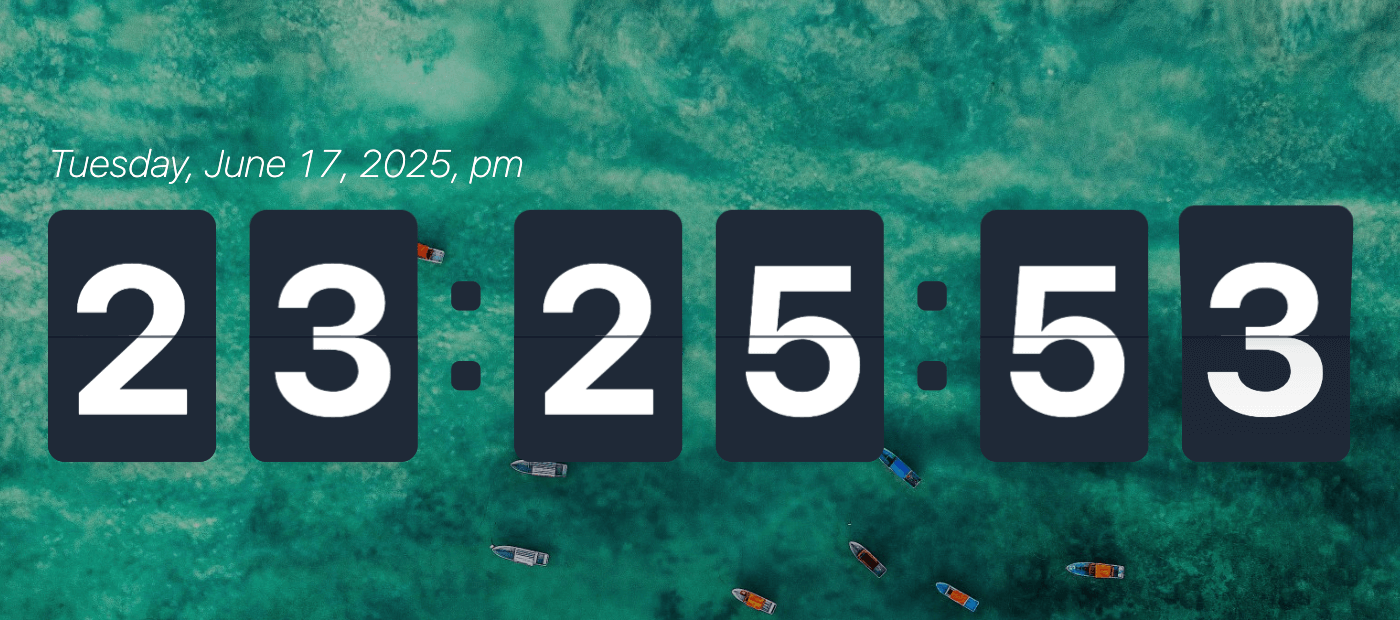
Flip Clock

Flip Clock

Beautiful online flip clock with realistic flip animation effects. Supports fullscreen display, sound effects, and multiple theme options. Classic retro style perfect for various scenarios.

Flip AnimationMultiple ThemesRetro Style
Try Now
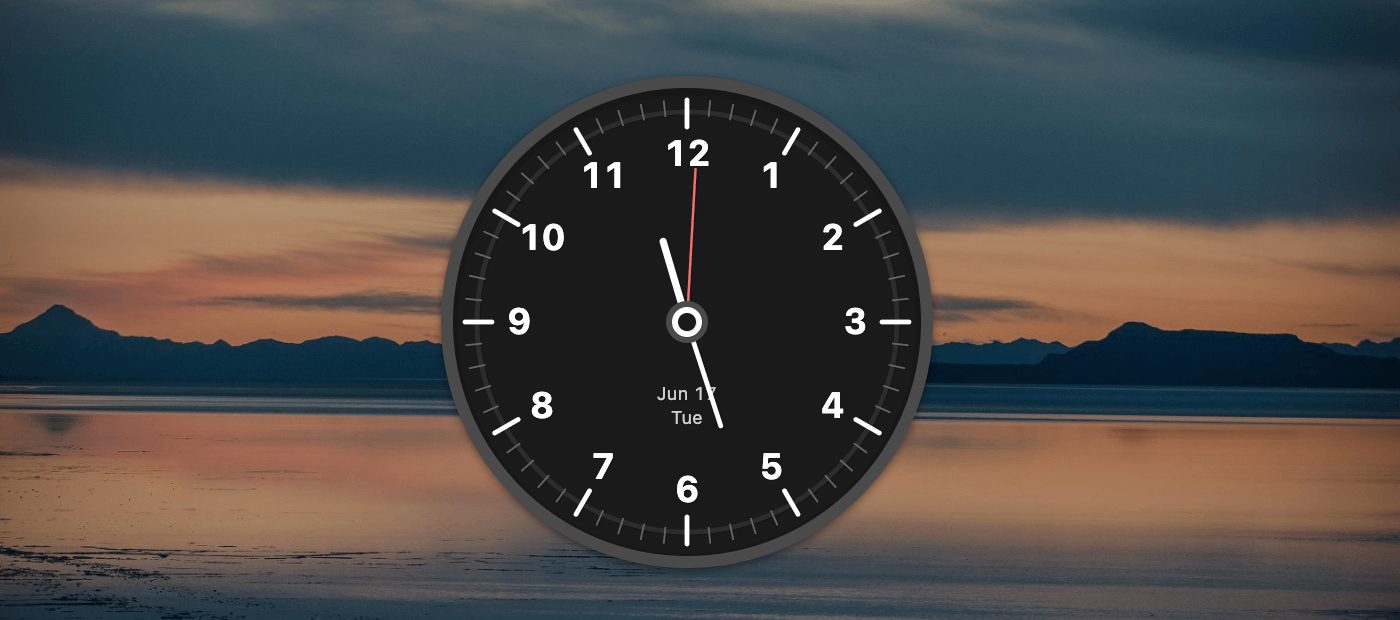
Analog Clock

Analog Clock

Beautiful, aesthetic traditional analog clock with smooth sweeping hands, 9 themes, and precise time display. Perfect for anyone who loves classic clock design on a modern screen.

Hand Animation9 ThemesClassic Design
Try Now

More Useful Tools

In addition to beautiful clock displays, we also provide practical timezone and world clock tools

UTC
12:34:56

World Clock

View and compare times across different time zones. Add your favorite time zones for quick access, supporting real-time display for major cities worldwide.

Multi-timezone DisplayReal-time SyncFavorites
View World Clock
IANA
UTC+8

Timezone List

Browse all available time zones and their current times. Based on IANA timezone database, providing complete global timezone information with search and filter functionality.

IANA StandardComplete DatabaseSearch Function
Browse Timezone List
Chrome
Extension

Chrome Extension

Install our beautiful flip clock Chrome extension to display elegant time on any website. Features drag-and-drop positioning, customizable themes, and smooth animations.

Drag & DropCustom ThemesSmooth Animations
ChromeInstall Chrome Flip Clock Extension
Use Cases

Suitable for various scenarios, providing professional time display solutions

Office Environment

Conference rooms, office large-screen displays, improving work efficiency

Educational Institutions

Classroom, laboratory time display, assisting teaching management

Home Use

Living room, bedroom decorative clock, beautiful and practical

Commercial Venues

Shopping malls, restaurants time display, enhancing service experience

Start Using Clockhub Now

Free to use, no registration, no download, ready to use

What a clock has to do to be worth leaving on

Most clock pages are judged in ten seconds, on a phone, held at arm’s length. The ones that get used for months are judged differently — from across a room, for hours, on a screen that never sleeps. This page is built for the second kind of use.

Readability is about distance, not font size

A clock on a desk is read from about half a metre. One on a wall, from three. One on a conference room display, from eight or more. Legibility falls off quickly with distance, so a face that looks generous on a laptop can be unreadable on the television in the same room.

Signage design has a working rule: roughly 3 mm of digit height for every metre of viewing distance. A display read from six metres therefore needs digits about 18 mm tall, which on a 1080p screen is around 70 pixels. Anything smaller and people lean in or walk closer, and the clock stops being something you can glance at.

Contrast matters as much as size. Thin strokes and pale greys disappear at distance and in daylight. Every face here uses heavy weights and high-contrast colour pairs rather than decorative letterforms.

Where the time on screen comes from

Every clock on this site reads the system clock of the device you are looking at. There is no server round-trip and no account, so the display behaves the same way whether you are online or not.

That also sets the limit. A browser can only be as accurate as the machine underneath it, and that machine relies on its own time sync — usually NTP, sometimes a mobile network. On a phone or a laptop this lands within tens of milliseconds, far finer than the eye can resolve when seconds are the smallest unit shown. If the device clock is wrong, the page will be wrong in exactly the same way.

One consequence worth knowing: if you put two devices side by side and they disagree by a second, the difference is in the devices, not in the page.

Digital, flip, analog or 3D

Digital is the default for legibility — numerals as large as the screen allows, with nothing else competing for attention. It is the right choice where the time is a utility rather than a decoration.

Flip suits a space where the clock is part of the furniture: a lobby, a studio, a kitchen. The animation costs a little more CPU, and the split-flap geometry reads less well from an extreme angle, so give it a screen you face roughly head-on.

Analog is the calmest of the four. Hands communicate time as position rather than as digits, which is easier to read in peripheral vision, and a dial puts far less bright area on screen — the reason it is the least intrusive option at night.

3D is for displays that are meant to be looked at. It is the heaviest option, wants a reasonably modern GPU, and is not the face to pick if the same machine is doing other work at the same time.

Running a clock for days at a time

An always-on display is where most clock pages fall apart. Browsers throttle timers in hidden tabs, operating systems dim or sleep the screen, and a clock that looked correct for ten minutes is suddenly hours out of step.

Two things help. The Keep Awake toggle requests a screen wake lock where the browser supports it and falls back to a silent looping video where it does not, releasing automatically when the tab goes to the background. And for a screen that is genuinely unattended, treat the browser as a kiosk: use its own fullscreen or kiosk mode and switch off the screensaver at the operating system level. A page can ask the display to stay on; it cannot overrule a system policy that insists on sleeping.

If the panel is OLED, be careful with any static interface. Identical bright digits in the same place for weeks can leave a ghost. Lowering the brightness, or switching faces occasionally, is worth the trouble on a screen you care about.

Settings that survive without an account

Face, theme, 24-hour format, sound, time zone — every preference is written to the browser’s local storage rather than to a server. It survives a refresh and applies to every visit from the same browser, with nothing to sign up for and nothing to sync.

The trade-off is that preferences belong to one browser on one device, and clearing site data resets everything to the defaults.

Frequently asked questions

Is Clockhub free to use?
Yes. Every clock and every tool on the site is free, with no paid tier, no trial period and no sign-up. The fullscreen display carries no watermark.
Do I need to install anything?
No. The clocks run in any modern browser on desktop, tablet or phone. The only optional install is the Chrome extension, which places a flip clock on top of other websites.
Can I use it on a TV, projector or second monitor?
Yes. Open the page on that screen and press the fullscreen button. Most smart TVs have a usable browser; where they do not, casting the tab from a laptop works just as well.
Does the clock keep working offline?
Once the page has loaded, the display runs from your device’s own clock, so a dropped connection does not stop it. Reloading the page without a connection will not work.
Will the screen stay awake?
The Keep Awake toggle asks the browser for a screen wake lock while a clock is running. If the operating system or a battery saver overrides it, the display will still sleep — that decision belongs to the device, not to the page.
Why does the seconds display stutter in a background tab?
Browsers deliberately slow timers in tabs that are not visible, to save power. Bring the tab back to the foreground and the display corrects itself within a second.
Can I choose the time zone instead of following my device?
Yes. Each clock has a settings panel where a time zone can be picked explicitly. The world clock page goes further and shows several zones at once.